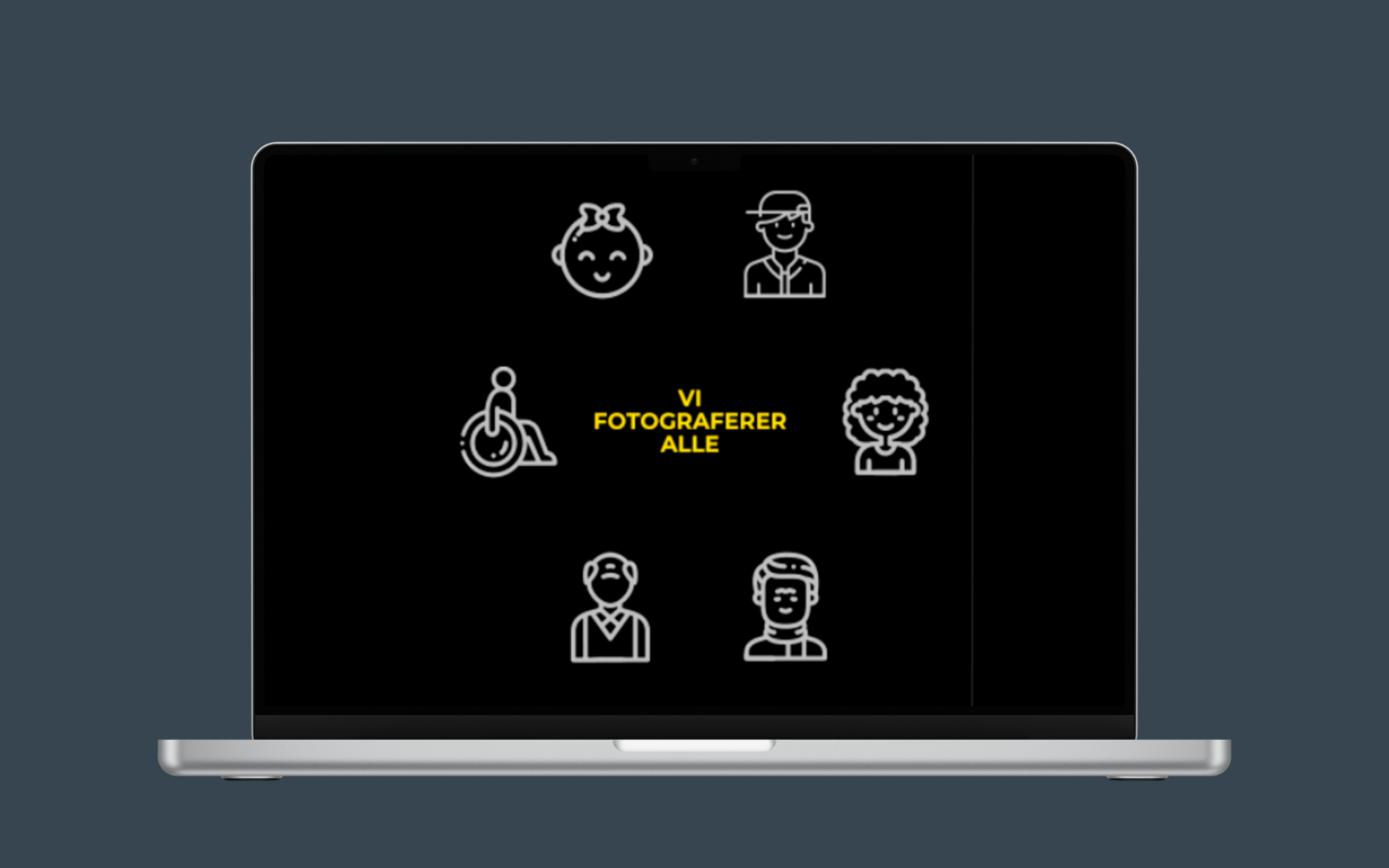
Custom icons for passport photos
I designed a set of custom icons to visually represent the different types of passport photos JapanPhoto offers. Instead of using text, I opted for icons to make the service more intuitive and universally understandable. This approach ensures that users can quickly identify the options available, enhancing the overall user experience while maintaining a clean and modern design.
Revamped product pages
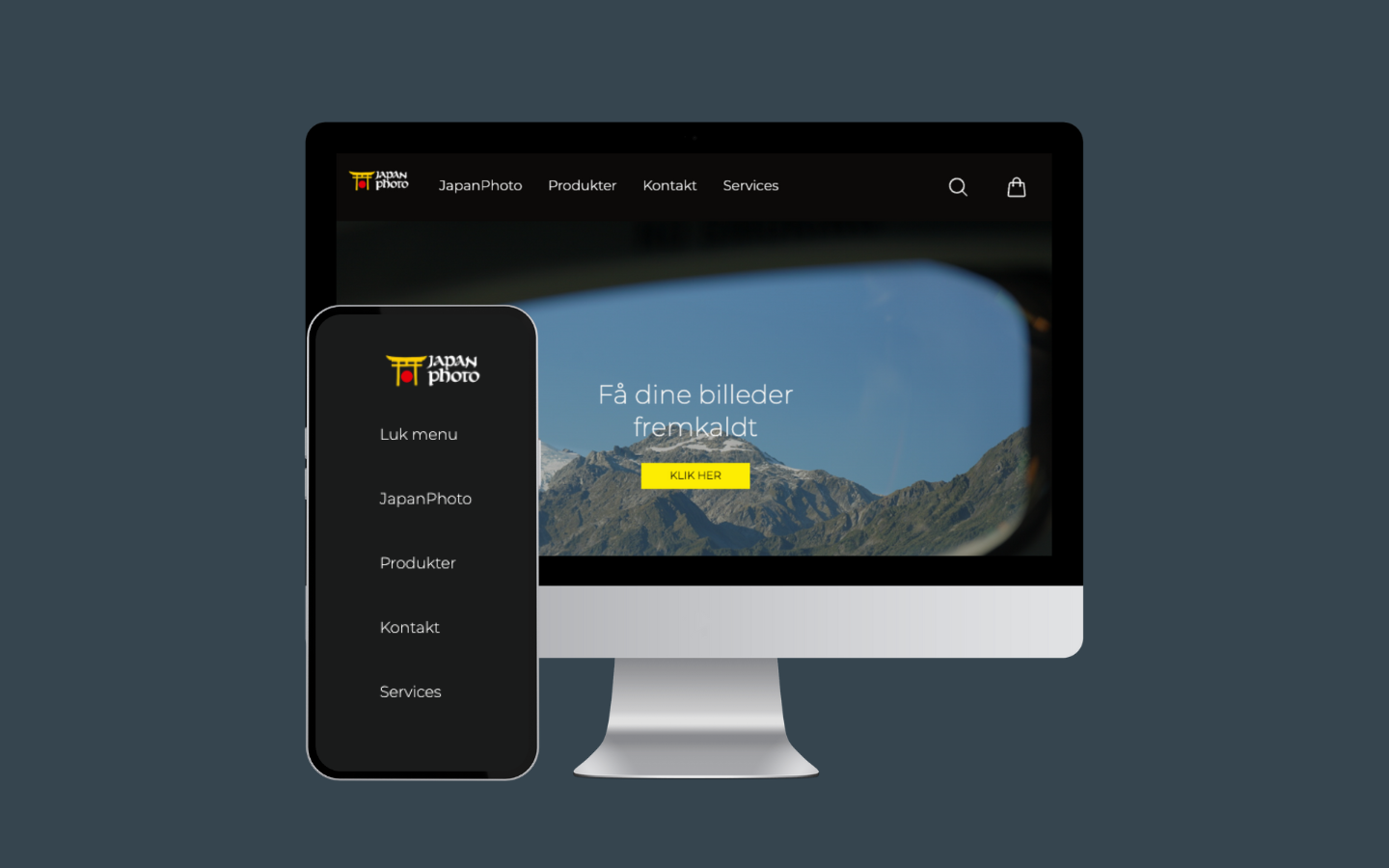
I redesigned the product pages to showcase cameras in a more engaging way, displaying them alongside examples of the photos they can capture. This visual approach allows users to see the camera’s capabilities at a glance, making the shopping experience more immersive and helping customers make informed decisions based on image quality.
Enhanced navigation and user experience
I streamlined the website’s navigation to create a more intuitive flow for users. By simplifying the menu structure and optimizing the layout, I made it easier for customers to find products and services, improving the overall shopping experience.
Visual Upgrade
Client
JapanPhoto
Tools
Figma, VS code, Illustrator Cavna, Photoshop
Role
UI/UX Designer
Duration
2 Weeks
How can we visually upgrade JapanPhoto’s website to modernize its design, enhance user experience, and create a more cohesive brand identity across product pages and services?
achieved
achieved
Revamped product pages
I redesigned the product pages with larger, high-quality images and a cleaner layout, making it easier for users to browse and select products.
Custom icons for passport photos
I created a set of custom icons for the passport photo section, making the service more intuitive and visually appealing for users.
Updated brand identity
I updated the brand identity with modern colors, typography, and design elements, creating a consistent and professional look across the site.